
The Ultimate Guide to Online PDF Tools in 2026
PDF files have become the universal standard for sharing documents. Whether you're sending business contracts, invoices, resumes, school assignments, presentations, or ebooks, PDFs preserve formatting across every device and operating system.
However, working with PDFs often requires more than simply viewing them. You may need to merge several files, convert documents, compress large files, edit text, add watermarks, remove pages, or protect sensitive information.
Fortunately, modern browser-based PDF tools make these tasks simple without requiring expensive desktop software.
Why Online PDF Tools Are Becoming the First Choice
Traditional desktop software often requires installation, frequent updates, and expensive licenses.
Modern online PDF tools offer several advantages:
- No software installation
- Works on Windows, Mac, Linux, Android, and iPhone
- Accessible from any browser
- Fast processing
- Simple user interface
- Many tools available for free
- Ideal for both personal and business use
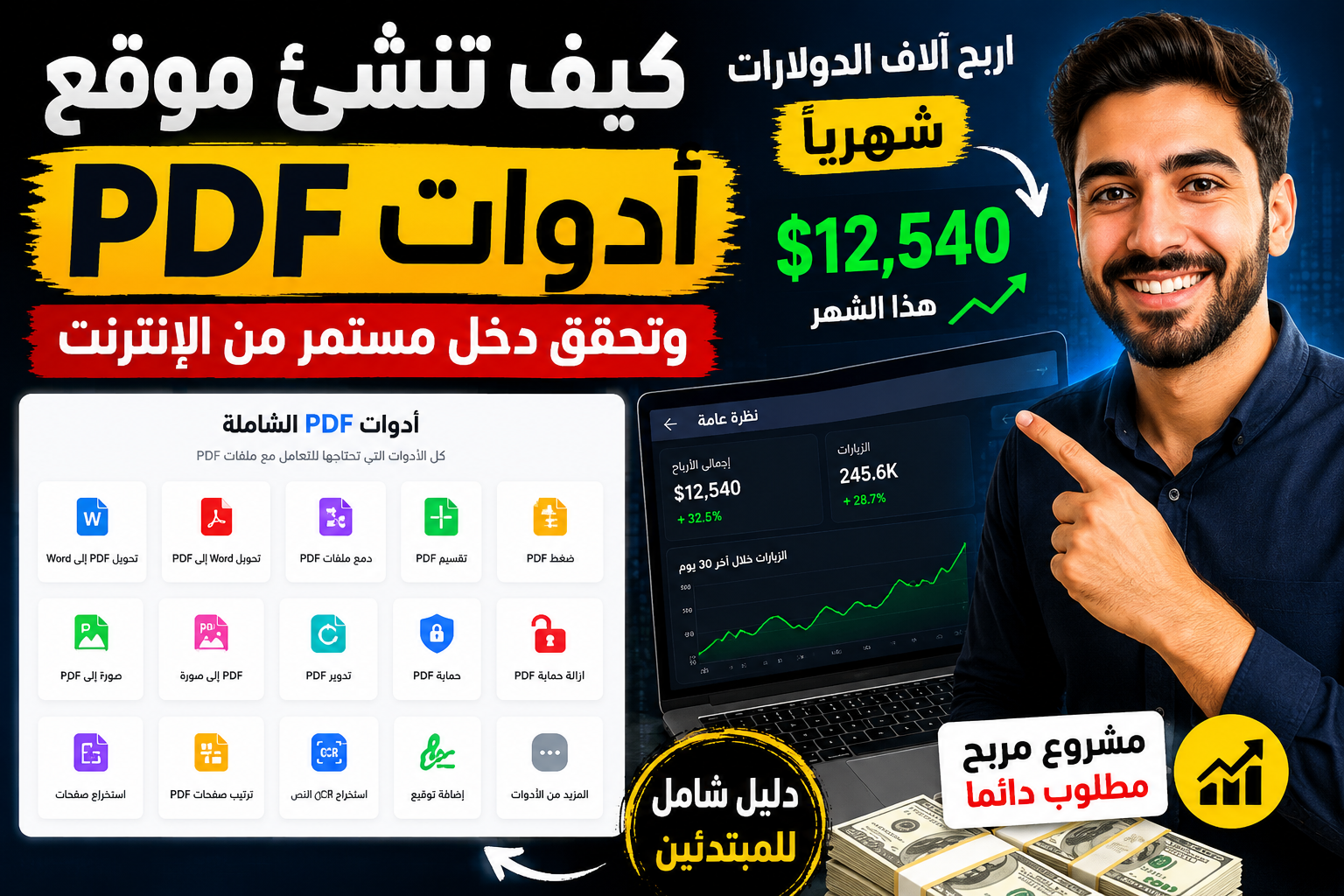
Platforms like PDFTools.pro provide a comprehensive collection of PDF utilities for editing, converting, organizing, protecting, and optimizing documents in just a few clicks.
Most Popular PDF Tasks
1. Merge Multiple PDFs
One of the most common tasks is combining multiple PDF files into one organized document.
Common uses include:
- Combining invoices
- Joining scanned documents
- Merging reports
- Combining chapters of an ebook
- Creating project documentation
Instead of emailing several files, you can merge everything into a single professional PDF.
2. Split Large PDF Files
Sometimes you only need specific pages from a document.
Splitting PDFs helps when you need to:
- Extract chapters
- Separate contracts
- Share selected pages
- Reduce document size
This saves both storage space and download time.
3. Compress PDF Files
Large PDFs are difficult to upload or email.
Compression helps:
- Reduce file size
- Speed up uploads
- Save cloud storage
- Meet email attachment limits
Modern compression tools can significantly reduce file size while preserving readability.
4. Convert PDF to Word
Editing a PDF directly isn't always convenient.
Converting PDF to Word allows you to:
- Update contracts
- Edit reports
- Modify resumes
- Correct formatting
- Reuse document content
After editing, you can convert the document back into PDF.
5. Convert Word to PDF
Word documents may display differently on different devices.
Converting to PDF ensures:
- Consistent formatting
- Professional appearance
- Easy printing
- Universal compatibility
This is one of the most widely used PDF conversion tools today.
6. Convert Images to PDF
Need to organize multiple images?
Image-to-PDF tools let you combine:
- JPG
- PNG
- WebP
- BMP
- TIFF
This is useful for:
- Scanned documents
- Receipts
- Certificates
- Homework
- Photo albums
7. Convert PDF to Images
Sometimes you need pages as images instead of documents.
Common reasons include:
- Social media sharing
- Website content
- Presentations
- Graphic editing
- Printing selected pages
8. Edit PDF Files
Modern online editors allow users to:
- Add text
- Delete content
- Insert images
- Highlight text
- Annotate documents
- Fill forms
- Add signatures
Many browser-based editors perform these tasks without requiring desktop software.
9. Protect PDF Documents
Sensitive documents should always be secured.
Protection features include:
- Password protection
- Permission restrictions
- Encryption
- Watermarks
- Digital signatures
These help prevent unauthorized access and modifications.
10. Organize PDF Pages
Organizing pages allows users to:
- Rearrange pages
- Rotate pages
- Delete unwanted pages
- Insert blank pages
- Duplicate pages
- Extract selected pages
This is especially useful for reports and business documents.
Browser-Based PDF Processing
Many users worry about uploading confidential documents online.
Modern PDF tools increasingly rely on browser-based processing, where much of the work is handled directly on your device instead of remote servers. This approach improves privacy, speeds up processing, and reduces the need to transfer sensitive files over the internet. PDFTools.pro also highlights browser-based processing for many of its tools.
Who Uses PDF Tools?
PDF tools are useful for nearly everyone.
Students
- Submit assignments
- Convert lecture notes
- Merge study materials
Teachers
- Prepare worksheets
- Combine lesson plans
- Organize exams
Businesses
- Contracts
- Reports
- Financial statements
- Proposals
Freelancers
- Portfolios
- Invoices
- Client documents
HR Professionals
- Employee records
- Offer letters
- Job applications
Legal Professionals
- Agreements
- Court documents
- Evidence files
Features to Look for in a PDF Tool
Before choosing a PDF platform, consider whether it offers:
- Fast processing
- Secure file handling
- Batch processing
- Multiple conversion formats
- PDF editing
- Compression
- Page organization
- Cross-device compatibility
- Browser support
- No mandatory installation
Why PDFTools.pro Stands Out
PDFTools.pro offers a broad library of PDF utilities, including document conversion, editing, compression, organization, workflow tools, and advanced features such as PDF analytics, watermarking, page management, and browser-based editing. The platform supports both free and premium options designed for individuals and businesses.
Frequently Asked Questions
Are online PDF tools safe?
Many reputable services use encrypted connections, and some process files directly in your browser, reducing exposure of sensitive documents. Always review a service's privacy practices before uploading confidential files.
Can I edit PDFs without Adobe Acrobat?
Yes. Many online PDF editors allow you to modify text, images, annotations, and forms directly from your browser.
Do online PDF tools work on mobile devices?
Yes. Most modern PDF tools are compatible with Android, iPhone, tablets, Windows, macOS, and Linux.
Can I merge and split PDFs for free?
Yes. Many essential PDF utilities, including merge, split, convert, and compress features, are available at no cost on platforms like PDFTools.pro.
Final Thoughts
Managing PDF documents no longer requires expensive software or complex workflows. Modern online PDF tools make it easy to edit, convert, compress, merge, organize, and protect documents from virtually any device with an internet connection.
Whether you're a student preparing assignments, a business handling contracts, or a professional managing reports, having access to reliable PDF utilities can dramatically improve productivity.
If you're looking for an all-in-one solution with a wide range of browser-based PDF tools, PDFTools.pro is a practical choice for handling everyday document tasks quickly and efficiently.